


Introduction
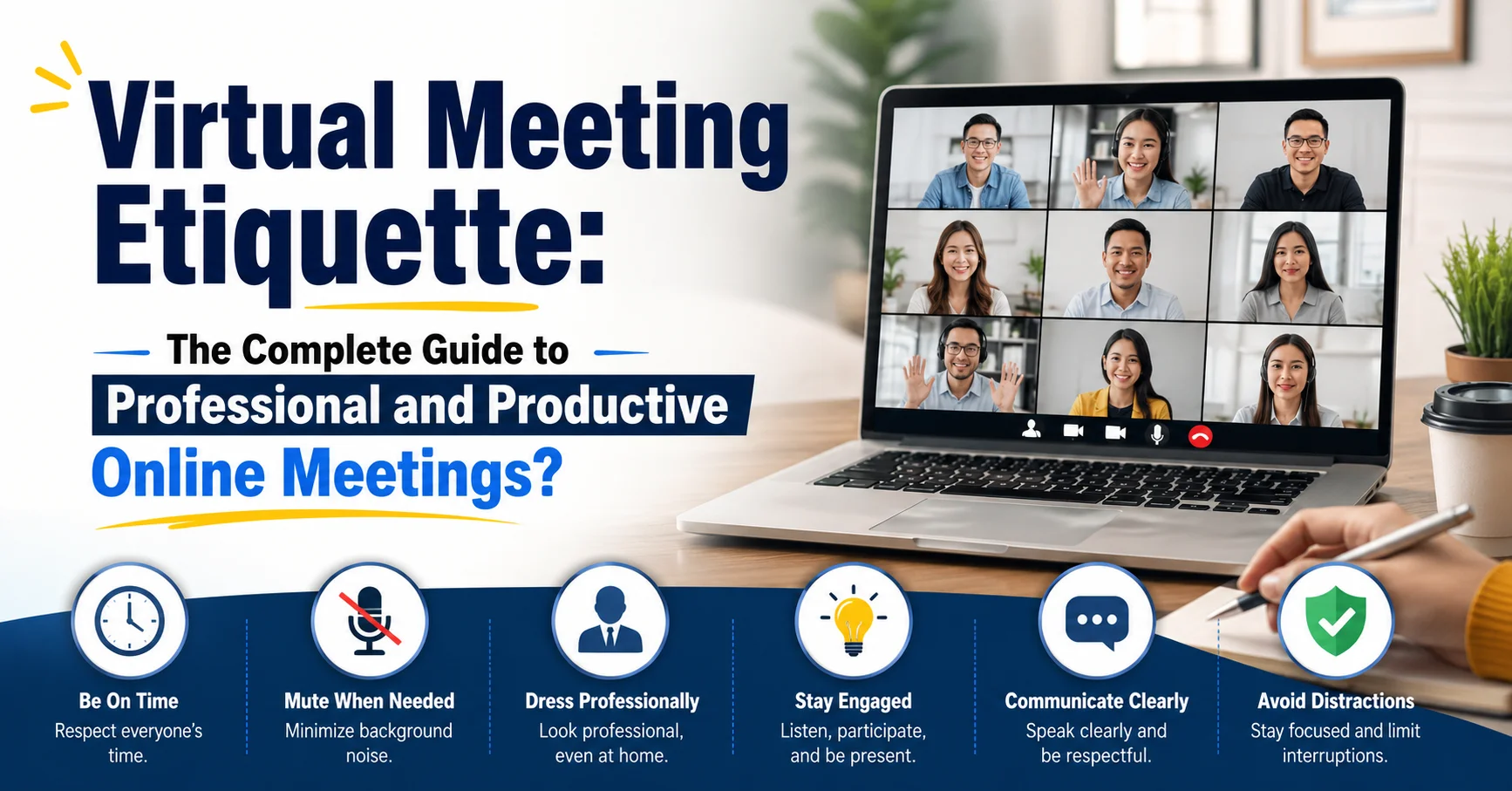
Virtual meetings have become a normal part of work, education, and business communication. Whether you work from home, attend online classes, or connect with clients across the world, knowing the right virtual meeting etiquette can make a huge difference.
Many people think online meetings are easier than in-person meetings. In reality, they come with their own challenges. Background noise, technical problems, interruptions, and poor communication can quickly turn a productive meeting into a frustrating experience.
Good virtual meeting etiquette helps everyone stay focused, respectful, and professional. It also improves communication and ensures meetings run smoothly from start to finish.
Over the years, I have attended countless online meetings. One thing stands out every time: the people who follow basic online meeting rules create a better experience for everyone. They communicate clearly, respect others’ time, and contribute positively to the discussion.
In this guide, you will learn everything you need to know about virtual meeting etiquette, including preparation tips, professional behavior, communication skills, common mistakes, and practical examples you can use immediately.
Why Virtual Meeting Etiquette Matters
Virtual meetings connect people from different locations, time zones, and backgrounds. Because participants are not physically present in the same room, communication becomes more challenging.
Without proper virtual meeting etiquette, meetings can quickly become disorganized. People may talk over one another, arrive late, forget to mute microphones, or become distracted by other tasks.
Good meeting behavior creates a professional environment where everyone feels respected and heard. It also helps businesses save time and improve productivity.
Strong online meeting skills can improve your professional reputation. Managers, clients, coworkers, and business partners often judge professionalism based on online behavior.
Simply put, following proper virtual meeting etiquette makes meetings more effective and leaves a positive impression on everyone involved.
The Evolution of Online Meetings
Online meetings were once used mainly by large companies. Today, they are common in almost every industry.
Remote work, hybrid workplaces, online education, and global teams have increased the need for virtual communication. Platforms such as Zoom, Microsoft Teams, and Google Meet have become essential workplace tools.
As technology improved, expectations also changed. Employers now expect workers to understand virtual meeting etiquette just as they understand office etiquette.
Modern professionals must know how to present themselves online, communicate clearly, and engage respectfully during digital conversations.
The ability to handle online meetings professionally is no longer optional. It is a valuable workplace skill.
Prepare Before the Meeting Starts
Preparation is one of the most important parts of successful virtual meeting etiquette.
Many meeting problems happen before the meeting even begins. Technical issues, missing documents, and poor internet connections can cause unnecessary delays.
Take a few minutes to prepare in advance. Check your internet connection, test your microphone, and make sure your camera works properly.
Review the meeting agenda beforehand. Knowing the discussion topics helps you contribute meaningful ideas and questions.
Keep any necessary files, notes, or presentations ready. This prevents scrambling for information during the meeting.
Pre-Meeting Checklist
| Task | Why It Matters |
|---|---|
| Test internet connection | Prevents disruptions |
| Check microphone and camera | Ensures clear communication |
| Review meeting agenda | Helps you stay prepared |
| Gather necessary documents | Saves time during discussion |
| Join early | Avoids last-minute stress |
A little preparation often leads to a much smoother meeting experience.
Join the Meeting on Time
Punctuality is a basic but powerful part of virtual meeting etiquette.
Arriving late can interrupt discussions and force others to repeat information. It may also create an impression that you do not value other participants’ time.
Try joining five minutes early whenever possible. This gives you time to solve technical issues before the meeting begins.
If you know you will be late, inform the organizer beforehand. A quick message shows professionalism and respect.
Being punctual also helps meetings start on schedule, which benefits everyone involved.
Consistent punctuality builds trust and demonstrates reliability in professional environments.
Create a Professional Meeting Environment
Your surroundings play a major role in how others perceive you during online meetings.
Choose a quiet location where interruptions are unlikely. Background noise can distract participants and make communication difficult.
Good lighting helps others see you clearly. Natural light or a lamp positioned in front of you usually works well.
Keep your background clean and professional. While virtual backgrounds can help, a tidy real background often looks more natural.
Avoid sitting in noisy public spaces when possible. Coffee shops, busy rooms, and crowded areas can create distractions.
Ideal Virtual Meeting Setup
| Element | Best Practice |
|---|---|
| Lighting | Light source in front |
| Background | Clean and uncluttered |
| Noise Level | Quiet environment |
| Camera Position | Eye level |
| Internet | Stable connection |
A professional setup shows respect for your audience and improves communication quality.
Dress Appropriately for Online Meetings
Some people assume casual clothing is acceptable because meetings happen from home. However, appearance still matters.
Your clothing should match the meeting’s purpose and company culture.
For client meetings, presentations, interviews, or executive discussions, professional attire is usually best. Internal team meetings may allow more flexibility.
One common mistake is dressing professionally only from the waist up. Unexpected situations may require standing or moving, so complete professional attire is a safer choice.
Dressing appropriately also helps create the right mindset. Many people feel more focused and confident when they dress professionally.
Good virtual meeting etiquette includes presenting yourself in a way that reflects professionalism and respect.
Use Your Camera Wisely
Camera usage can improve engagement and communication during virtual meetings.
When appropriate, keeping your camera on helps create stronger personal connections. Facial expressions and body language provide important communication cues.
However, every workplace has different expectations. Follow your organization’s guidelines regarding camera use.
Position your camera at eye level and look toward it when speaking. This creates the impression of eye contact.
Avoid excessive movement during meetings. Constant camera movement can distract participants.
Camera Etiquette Tips
| Do | Don’t |
|---|---|
| Look at the camera | Constantly look elsewhere |
| Sit upright | Lie down during meetings |
| Use proper lighting | Sit in darkness |
| Stay visible | Move around frequently |
Thoughtful camera use improves engagement and professionalism.
Master Microphone Etiquette
Microphone management is one of the most important aspects of virtual meeting etiquette.
Background sounds such as typing, barking dogs, television noise, or conversations can disrupt discussions.
Keep your microphone muted when you are not speaking. Unmute only when contributing to the conversation.
Speak clearly and at a moderate pace. Avoid talking too quickly or mumbling.
Pause briefly before speaking after someone finishes. This reduces accidental interruptions caused by audio delays.
Using a quality headset can significantly improve sound clarity.
Proper microphone etiquette helps everyone hear important information without distractions.
Communicate Clearly and Respectfully
Effective communication is the foundation of successful online meetings.
Speak directly and stay focused on the topic being discussed. Long, unrelated comments can waste valuable time.
Allow others to finish speaking before responding. Interrupting can create confusion and frustration.
Use respectful language, even when disagreements occur. Professional discussions often involve different opinions, but respect should remain constant.
Active listening is equally important. Pay attention to what others are saying instead of planning your next response.
Good communicators ask thoughtful questions and provide concise answers.
Strong communication skills make virtual meetings more productive and enjoyable for everyone involved.
Stay Engaged Throughout the Meeting
Multitasking is one of the biggest threats to effective online meetings.
It can be tempting to check emails, browse websites, or work on other projects while attending a virtual meeting. However, this reduces participation and attention.
Stay present and actively engaged.
Take notes, ask questions, and contribute when appropriate. Use reactions, chat features, or hand-raising tools if your platform supports them.
Meeting organizers can often tell when participants are distracted. Lack of engagement may affect how others view your professionalism.
One personal lesson I learned early in remote work is that focused participation leads to better understanding and fewer follow-up questions.
Being engaged demonstrates respect for both the speaker and the meeting objectives.
Follow Chat and Messaging Etiquette
Chat features can improve communication when used correctly.
Use chat messages to ask questions, share resources, or provide relevant information. Avoid sending unrelated comments that distract participants.
Remember that chat messages often become part of meeting records.
Keep communication professional and concise.
Avoid private side conversations that may create confusion or exclude others from important discussions.
When sharing links or files, provide context so participants understand their purpose.
Responsible chat usage supports productive collaboration and enhances virtual meeting etiquette.
Respect Cultural and Time Zone Differences
Many virtual meetings include participants from different countries and cultures.
Being aware of cultural differences improves communication and prevents misunderstandings.
Some cultures value direct communication, while others prefer a more indirect approach. Listening carefully and showing respect helps build stronger relationships.
Time zones also deserve consideration. Scheduling meetings at reasonable times demonstrates professionalism and empathy.
Global Meeting Best Practices
| Consideration | Recommendation |
|---|---|
| Time Zones | Rotate meeting times fairly |
| Language Differences | Speak clearly and slowly |
| Cultural Norms | Respect communication styles |
| Holidays | Consider local observances |
Inclusive behavior strengthens teamwork and supports global collaboration.
Handle Technical Problems Professionally
Technical issues happen to everyone.
Internet disruptions, audio failures, and software glitches can occur even with careful preparation.
Remain calm if problems arise. Inform participants briefly and work toward a solution.
Have backup options available whenever possible. This may include a phone connection, alternative device, or backup internet source.
Avoid spending excessive meeting time troubleshooting minor issues.
Professional handling of technical challenges demonstrates adaptability and problem-solving skills.
Good virtual meeting etiquette includes being prepared for unexpected situations.
Common Virtual Meeting Mistakes to Avoid
Even experienced professionals occasionally make mistakes during online meetings.
Recognizing common errors helps you avoid them.
Frequent Online Meeting Mistakes
| Mistake | Impact |
|---|---|
| Joining late | Disrupts meeting flow |
| Forgetting to mute | Creates noise distractions |
| Multitasking | Reduces participation |
| Poor lighting | Looks unprofessional |
| Interrupting others | Hurts communication |
| Ignoring agenda | Wastes time |
Awareness is the first step toward improvement.
Small adjustments can significantly improve your online meeting experience.
Virtual Meeting Etiquette for Team Leaders
Leaders have additional responsibilities during virtual meetings.
They must guide discussions, encourage participation, and manage time effectively.
A good leader sets expectations at the beginning of the meeting. This includes reviewing objectives, agenda items, and participation guidelines.
Encourage quieter participants to share their perspectives. Inclusive meetings often produce better ideas and decisions.
Monitor meeting length carefully. Long meetings can reduce engagement and productivity.
Leaders who model strong virtual meeting etiquette create a positive example for their teams.
Their behavior influences the overall meeting culture.
Building Long-Term Professional Credibility Online
Every virtual meeting contributes to your professional reputation.
Consistent professionalism builds trust over time. Colleagues remember individuals who communicate clearly, arrive prepared, and participate respectfully.
Strong virtual meeting etiquette demonstrates responsibility, reliability, and leadership potential.
As remote and hybrid work continue growing, online communication skills become increasingly valuable.
Treat every meeting as an opportunity to strengthen relationships and showcase professionalism.
The habits you develop today can benefit your career for years to come.
Frequently Asked Questions
1. What is virtual meeting etiquette?
Virtual meeting etiquette refers to the rules and behaviors that help online meetings run smoothly and professionally. It includes punctuality, communication, camera use, microphone management, and respectful participation.
2. Why is virtual meeting etiquette important?
It improves communication, reduces distractions, increases productivity, and helps participants maintain professionalism during online interactions.
3. Should I keep my camera on during virtual meetings?
It depends on workplace expectations. In many professional settings, keeping your camera on improves engagement and communication, but always follow company guidelines.
4. What should I do if technical issues occur?
Stay calm, notify participants, and use backup solutions when possible. Preparation can reduce the impact of unexpected technical problems.
5. How can I stay engaged during online meetings?
Avoid multitasking, take notes, ask questions, participate in discussions, and actively listen to other speakers.
Conclusion
Virtual meetings are now a permanent part of modern communication. Whether you work remotely, manage a team, attend online classes, or collaborate with clients, understanding virtual meeting etiquette is essential.
The best online meetings do not happen by accident. They result from preparation, professionalism, respectful communication, and active participation. Small habits such as joining on time, muting your microphone, maintaining eye contact, and staying engaged can dramatically improve meeting quality.
Most importantly, remember that every virtual interaction shapes your professional reputation. By consistently practicing strong virtual meeting etiquette, you can build trust, communicate more effectively, and create better experiences for everyone involved.
Start applying these tips today, and you’ll quickly notice smoother, more productive, and more successful virtual meetings.
