


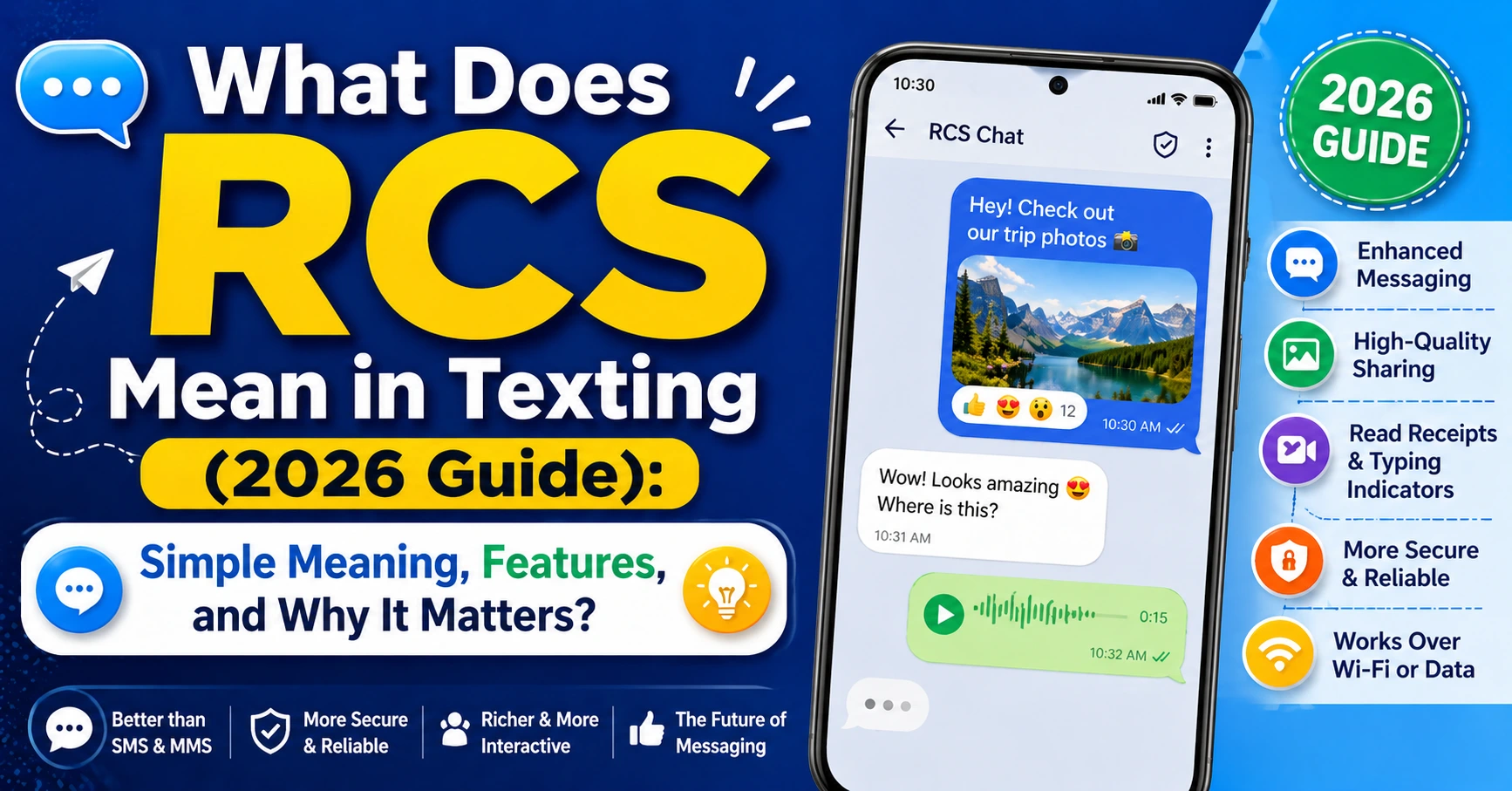
Texting has changed a lot over the years. It started with short SMS messages that could only send plain text. Then came MMS for pictures and videos. Now many phones use something newer called RCS, and many people ask what does RCS mean in texting when they first notice it in their messages app.
RCS stands for Rich Communication Services. It is a modern texting standard made to improve old SMS and MMS. Think of it as regular texting, but smarter. It adds features people already enjoy in chat apps, like read receipts, typing indicators, high-quality photo sharing, and group chats.
If you have seen “Chat message” instead of “Text message,” or wondered what does rcs mean in text, you are not alone. Many users notice RCS settings on Android or even hear about it on iPhone and feel confused.
This guide explains everything in simple words. You’ll learn what does rcs mean in a text message, how it works, why people use it, and whether you should turn it on. We will also compare RCS with SMS, show real examples, and answer common questions.
What Does RCS Mean in Texting?
At its core, what does rcs mean in texting has a simple answer.
RCS means Rich Communication Services.
It is a newer way to send messages over mobile data or Wi-Fi instead of relying only on the old carrier text system. Traditional SMS was designed decades ago. It was useful, but limited. It could not do many things modern users expect.
RCS upgrades texting into something closer to apps like WhatsApp or iMessage.
With RCS, you can often:
- See when someone is typing
- Know when a message was read
- Share better-quality photos
- Send large videos
- Create improved group chats
- Use reactions on messages
- Share location more easily
So if you ask what does rcs mean in text messages, it usually means your phone may be using this richer chat system instead of basic texting.
Think of SMS as an old flip phone.
Think of RCS as texting upgraded for today.
RCS vs SMS: Quick Comparison
| Feature | SMS | RCS |
|---|---|---|
| Basic Texting | Yes | Yes |
| Read Receipts | No | Yes |
| Typing Indicators | No | Yes |
| High-Quality Media | Limited | Yes |
| Group Chats | Basic | Advanced |
| Works on Wi-Fi | No | Yes |
| Message Reactions | No | Yes |
This is why many people search what does rcs mean in text messaging after noticing better features in their chats.
Why Was RCS Created?
Old texting worked, but it had problems.
SMS has a character limit. Images often look blurry. Group messages can become messy. Videos may fail to send.
RCS was designed to fix these issues.
Phone carriers and tech companies wanted texting to feel modern without forcing everyone into the same messaging app.
Instead of replacing texting completely, they improved it.
That is what makes RCS interesting. It tries to keep the simplicity of texting while adding smart features people love.
A friend once sent me vacation videos through SMS years ago, and they looked terrible. With RCS, those same videos can look much better. That alone shows why the upgrade matters.
What Does RCS Mean in a Text Message App?
Sometimes people ask what does rcs mean in a text message because they see settings that say:
- Enable RCS chats
- Chat features available
- Messages sent with RCS
- RCS connected
This usually means your messaging app supports richer chat features.
If you use Google Messages, you may see “Chat message” instead of “Text message.”
That is often RCS working.
Signs You’re Using RCS
| Sign | What It Means |
|---|---|
| “Chat Message” box | Using RCS |
| Typing bubbles | RCS active |
| Read receipts | RCS enabled |
| Sent over Wi-Fi | Likely RCS |
| Large media sharing | RCS features |
These clues help answer what does rcs mean in text message settings when users see it for the first time.
How RCS Works
RCS uses the internet.
That can be mobile data or Wi-Fi.
Instead of sending messages only through old cellular text channels, RCS sends them more like chat apps do.
Here is a simple process:
- You type a message
- Your phone checks if the other person supports RCS
- If yes, it sends as RCS chat
- If not, it may fall back to SMS
That fallback is important.
It means RCS often still works with people who do not use it.
That makes adoption easier.
It also means you may use both SMS and RCS without noticing.
Top Features That Make RCS Better
1. Read Receipts
You can see when someone read your message.
Helpful?
Yes.
Dangerous for avoiding replies?
Also yes.
Still, many people love this feature.
2. Typing Indicators
Those little moving dots show when someone is responding.
It makes texting feel live and interactive.
3. Better Photo Sharing
SMS often compresses photos badly.
RCS sends much better quality.
Huge difference.
4. Improved Group Chats
Group conversations feel cleaner.
Replies stay organized.
Media works better too.
5. Larger Files
RCS can send bigger files than traditional texting.
Great for videos.
SMS vs MMS vs RCS
| Messaging Type | Best For | Limits |
|---|---|---|
| SMS | Simple texts | Very basic |
| MMS | Pictures/videos | Lower quality |
| RCS | Modern chat | Needs support |
Many searches for what does rcs mean in texting come from people comparing these.
Now the difference is clearer.
Is RCS Like iMessage?
People ask this a lot.
Short answer:
Similar, but not identical.
Both offer:
- Read receipts
- Typing indicators
- Better media
- Group chat upgrades
But iMessage belongs to Apple.
RCS is a messaging standard.
That means multiple companies can support it.
Many call RCS “Android’s iMessage,” though that is a simplification.
Still, it helps beginners understand it.
Is RCS Safe?
Good question.
Security matters.
Some RCS chats have end-to-end encryption in supported apps and conversations.
That means messages can be protected.
But support may vary.
Always check your messaging app for security details.
Basic Safety Tips
| Tip | Why It Helps |
|---|---|
| Keep app updated | Better protection |
| Verify encryption | Added privacy |
| Avoid suspicious links | Prevent scams |
| Use trusted messaging apps | Safer experience |
RCS is generally safe, but smart habits still matter.
Do You Need RCS Turned On?
Usually, yes.
Most people benefit from enabling it.
Reasons to keep it on:
- Better texting experience
- Higher quality media
- Improved group chats
- Useful read receipts
- Works over Wi-Fi
Reasons some disable it:
- Prefer simple SMS
- Privacy concerns
- Troubleshooting message issues
For most users, keeping it enabled makes sense.
What Happens if Someone Doesn’t Have RCS?
Nothing dramatic.
Messages often fall back to SMS.
That means:
- Text still sends
- Fancy features disappear
- Conversation becomes basic texting
This is one reason RCS is practical.
It does not usually break communication.
It just downgrades when needed.
What Does RCS Mean in Text Messages for Android Users?
Many Android users encounter RCS first.
Google Messages strongly supports it.
If you see “Chat Features,” that usually relates to RCS.
Android helped popularize it.
That is why searches like what does rcs mean in text messages often come from Android users.
If your phone has:
- Google Messages
- Wi-Fi messaging
- Chat features toggle
You may already have RCS.
What Does RCS Mean in Texting for iPhone Users?
This is becoming a bigger question too.
Many now search what RCS means related to iPhone messaging.
Why?
Because support has become a hot topic.
RCS can improve cross-platform messaging between Android and iPhone users.
That matters because green bubble complaints have been around for years.
People want better texting across devices.
RCS helps move toward that.
So if you wondered what does rcs mean in texting on iPhone discussions, that is often why.
Common Problems With RCS
Sometimes users hit issues.
Here are common ones.
| Problem | Possible Fix |
|---|---|
| RCS not connecting | Check internet |
| Messages stuck sending | Restart app |
| Chat features unavailable | Verify support |
| Media won’t send | Update app |
| Read receipts missing | Recipient may use SMS |
Usually fixes are simple.
Restarting often helps.
Updating apps helps too.
Real-Life Example of RCS in Action
Imagine texting a friend.
With SMS:
“Meet at 6?”
That works.
With RCS:
You send the text.
You see they’re typing.
They share a restaurant photo.
You react with a thumbs-up.
You know they read your reply.
That feels much more modern.
That is the practical answer to what does rcs mean in a text message.
It means richer conversation.
Benefits and Drawbacks of RCS
Benefits
- Better messaging
- More features
- Better media quality
- Stronger group chats
- Internet-based messaging
Drawbacks
- Both users may need support
- Some carriers vary
- Setup can confuse beginners
- Features may differ by app
Still, for many users, benefits win.
Who Should Use RCS?
RCS is great for:
- Everyday texters
- Families in group chats
- People sharing photos often
- Android users
- Anyone wanting smarter texting
If you mostly send “ok” and “see you later,” SMS may be enough.
But most people like upgrades once they try them.
Future of RCS
RCS keeps growing.
Many experts see it as the future of standard texting.
Why?
Because old SMS is outdated.
Users expect richer communication.
Businesses are also using RCS for customer messages, appointment reminders, and support.
That could grow even more.
In a few years, people may stop asking what does rcs mean in texting because it may simply be normal texting.
That is where things seem headed.
Quick Summary Table
| Question | Answer |
|---|---|
| What is RCS? | Rich Communication Services |
| Better than SMS? | Usually yes |
| Uses internet? | Yes |
| Supports media? | Yes |
| Like iMessage? | Similar in some ways |
| Worth enabling? | For most people, yes |
FAQs
1. What does RCS mean in texting?
It means Rich Communication Services. It upgrades basic texting with features like read receipts, typing indicators, and better media sharing.
2. What does rcs mean in text messages on my phone?
It usually means your phone supports enhanced chat features beyond standard SMS.
3. Is RCS the same as SMS?
No. SMS is traditional texting. RCS is a newer and richer messaging system.
4. Should I turn off RCS?
Most people should leave it on unless troubleshooting or avoiding extra chat features.
5. What does rcs mean in a text message when I see “Chat”?
It usually means the message is being sent as an RCS chat instead of old SMS.
Final Thoughts
If you came here asking what does rcs mean in texting, now you know it is much more than another tech acronym.
It is basically texting upgraded.
It makes messaging smarter, richer, and more useful.
You get better photos, smoother chats, read receipts, typing indicators, and improved group messaging. For many people, it feels closer to a modern chat app than old-school texting.
And while SMS still exists, RCS shows where messaging is going.
If your phone offers RCS, it may be worth trying.
You may never want basic texting again.
Have you noticed RCS in your messaging app yet? Explore your settings and see what features you already have. You might be using the future of texting already.
